Sending more emails is easy. Knowing what happened to them, and whether all that activity turns into placements, is the hard part. This release tackles both.
Why did that email bounce? 🔍
A bounced email used to be a silent failure. You sent it, nothing came back, and you assumed the candidate wasn't interested. Now Hiro shows the bounce reason right where you work: in the campaign's recipient list, in the client's email history and in the candidate's conversation. A full mailbox is not the same as an address that no longer exists, and you can now tell the difference.
Do-not-contact that takes care of itself
When an address bounces permanently or someone marks your email as spam, sending to it again only hurts your reputation. Hiro now flags those contacts as do-not-contact automatically, so nobody on the team emails them by mistake.
Do-not-contact also carries a reason now, whether it was set by hand or by Hiro. "Asked not to be contacted", "left the company", "placed elsewhere". If you want, you can make the reason mandatory for your whole team in the new Options tab of your settings. Six months later, you will be glad to know why.
Performance, compared with last time 📈
A number on its own doesn't tell you much. Twelve interviews this month: is that good? The performance tables now show the growth or decrease of each metric compared with the previous period, so you see the trend at a glance.
Revenue
€186k
+24%
Offers
12
+3
Interviews
38
+9
We also split reporting into separate views with their own filters, and the filters live in the URL. Send a link to a colleague and they see exactly what you see.
Interviews, counted properly
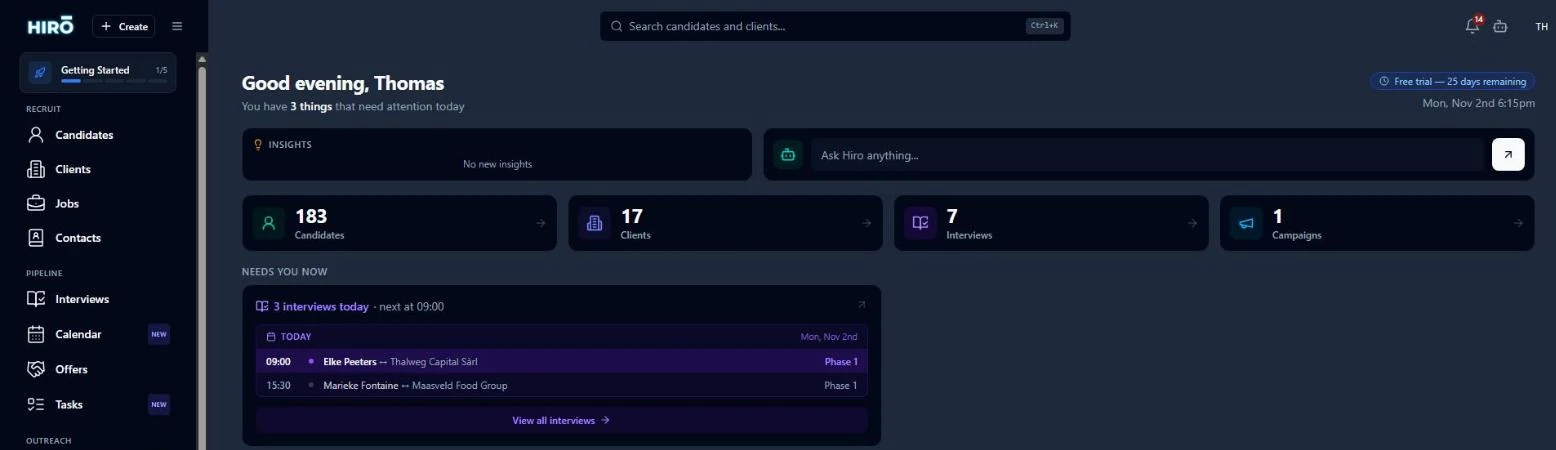
One candidate interviewed three times is not three candidates. The overview now shows both the number of interviews and the number of distinct candidates interviewed, because they answer two different questions: how busy is the desk, and how wide is the funnel.
As always, these numbers come from what you already do in Hiro. No spreadsheet to update on Friday afternoon.